Dark Mode in Web Design: Adoption Rates and User Preferences
Dark mode in web design is no longer a fringe trend; it's a pervasive expectation shaping how users interact with digital interfaces. This shift, driven by a blend of aesthetic appeal, physiological benefits, and practical considerations, demands that web designers and developers understand its adoption rates and the nuanced user preferences behind them. As AI-powered website builders like Draftly make sophisticated design more accessible, creating adaptive experiences that cater to these preferences becomes crucial for user satisfaction and engagement.
The Ascendance of Dark Mode: A Modern Web Design Imperative
The journey of dark mode began not in sleek mobile apps, but in the green monochrome glow of early computer terminals. Its resurgence in recent years, however, is a direct response to prolonged screen time and a desire for more personalized digital environments. Major operating systems like iOS, Android, macOS, and Windows now offer system-wide dark themes, signaling a clear user demand. This widespread OS support has propelled dark mode from an option to an expectation across websites and applications.
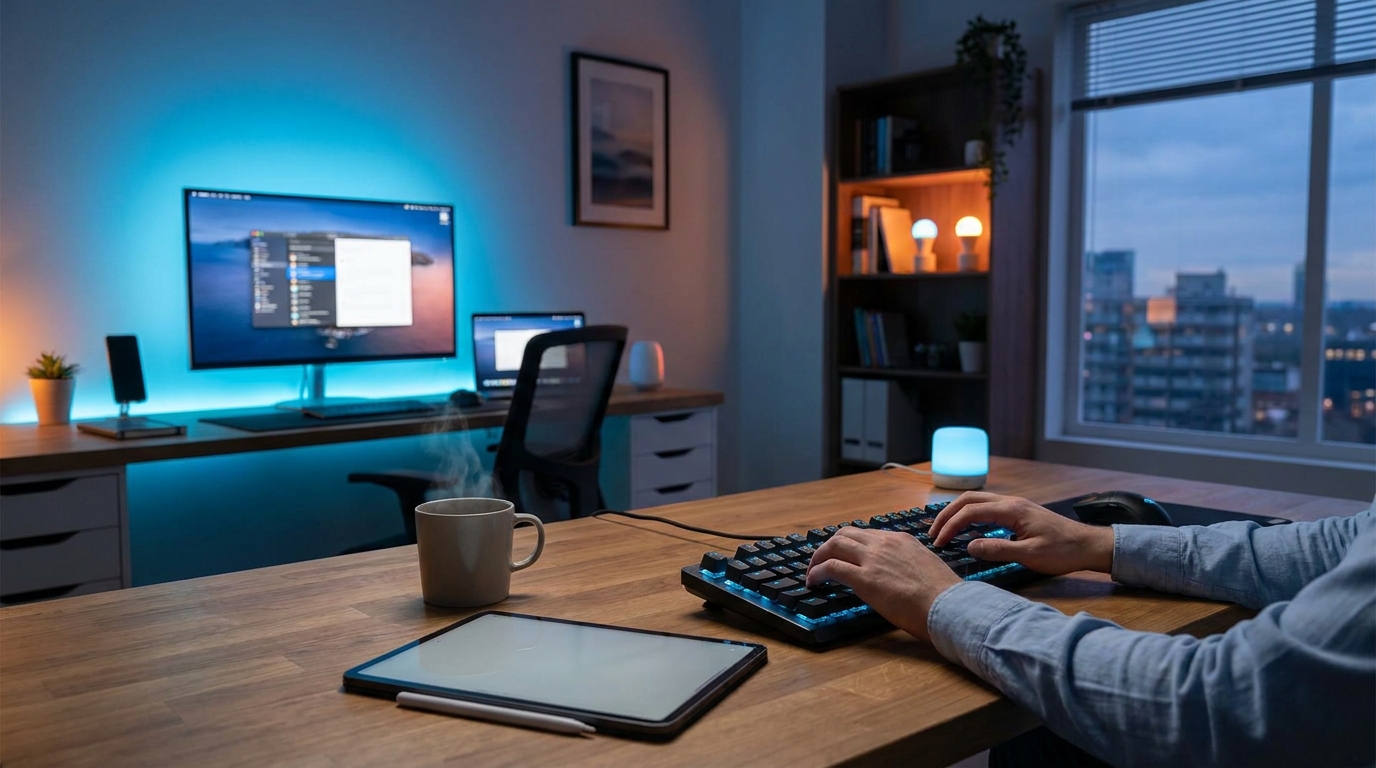
!dark mode in web design adoption rates and user preferences, industry
Today, over 80% of smartphone users engage with dark mode on at least one app or system setting. This high adoption rate isn't just a fleeting fad; it's a fundamental shift in how users prefer to consume digital content, particularly in varied lighting conditions. For businesses building their online presence, ignoring this preference means potentially alienating a significant portion of their audience.
Dark Mode Adoption Rates: What the Data Reveals
Understanding who uses dark mode and why is essential for informed design decisions. Recent surveys and analytics data paint a clear picture of rising adoption:
* Overall Preference: A global study indicated that approximately 70-85% of users with dark mode enabled on their operating system prefer websites to automatically follow suit. This highlights the importance of respecting the `prefers-color-scheme` media query in CSS.
* Demographic Nuances: Younger demographics, particularly Gen Z and Millennials, show a higher propensity for dark mode, often citing aesthetic appeal and reduced eye strain during late-night browsing. Tech professionals and gamers also lean heavily towards dark interfaces.
* Device Impact: For devices with OLED screens, like many modern smartphones and high-end monitors, dark mode can extend battery life by 15-30% by illuminating fewer pixels. This practical benefit is a major driver for mobile users.
* Growth Trajectory: The adoption has seen a steady upward trend, with a projected compound annual growth rate (CAGR) for dark mode usage in applications and websites expected to exceed 10% annually over the next five years. This suggests that dual-theme design will become a baseline requirement, not a premium feature.
Ignoring these trends means missing out on opportunities to connect with users on their preferred terms. A website that adapts to user preferences demonstrates thoughtfulness and a commitment to user experience.
Why Users Prefer Dark Mode (or Don't): Key Motivations
User preferences for dark mode are rooted in a mix of functional benefits and personal taste. For web designers, understanding these motivations is key to creating effective dual-theme experiences.
Benefits Driving Dark Mode Preference
- Reduced Eye Strain in Low Light: The most frequently cited benefit. Studies suggest dark mode can reduce eye strain by up to 50% in dimly lit environments, preventing discomfort and fatigue during extended use.
- Improved Battery Life (OLED Screens): As mentioned, OLED displays save significant power by displaying black pixels. This translates to longer usage times for mobile users, a critical factor in today's mobile-first world. Businesses should also consider how to optimize 3D Website Loading Speed: How to Stay Fast Without Sacrificing Visual Quality in conjunction with dark mode for mobile users.
- Aesthetic Appeal and Modernity: Many users find dark themes visually appealing, perceiving them as sleek, sophisticated, and contemporary. It can also help content pop, especially rich media like images and videos.
- Better Focus on Content: By reducing overall screen brightness, dark mode can minimize distractions and help users concentrate more effectively on the primary content, especially text-heavy pages or complex data visualizations.
Drawbacks and Reasons for Opting Out
- Poor Readability in Bright Light: In well-lit environments, dark text on a light background (light mode) generally offers superior readability. Dark mode can cause text to blur or appear less crisp under direct sunlight or bright indoor lighting.
- Perceived "Gloominess": Some users find dark interfaces less inviting or even depressing, preferring the perceived cheerfulness and openness of light themes.
- Brand Consistency Challenges: Maintaining consistent brand identity across both light and dark themes requires careful planning of color palettes and visual elements. Drafting a How to Customise Fonts, Colors and Your Brand Kit in Draftly is essential here.
- Accessibility Concerns if Poorly Implemented: Inadequate contrast ratios in dark mode can create accessibility issues for users with certain visual impairments. Designers must ensure sufficient contrast for text and interactive elements.
Implementing Dark Mode in Web Design: Best Practices for Dual Themes
To effectively cater to varying user preferences, designers must adopt a thoughtful approach to implementing dark mode. This isn't just about inverting colors; it's about creating a cohesive and accessible experience.
Design Considerations
* Color Palettes: Don't simply invert colors. Choose a new, optimized dark palette. Use desaturated colors for backgrounds to avoid vibrating effects, and ensure foreground elements have ample contrast. Aim for a primary dark background, secondary darker shades for cards/sections, and accent colors that work well in both themes.
* Contrast Ratios: Adhere to WCAG (Web Content Accessibility Guidelines) standards. For text, aim for at least a 4.5:1 contrast ratio against its background. Tools like contrast checkers are indispensable during this phase.
* Iconography and Imagery: Icons may need slight adjustments (e.g., lighter strokes, subtle glows) to remain visible. For images, consider whether they need a dark mode variant or if they naturally blend well with a darker canvas. Sometimes, a slight overlay or desaturation is enough.
* Shadows and Depth: Dark mode often relies less on shadows for depth and more on varying shades of dark. Subtle gradients or borders can also define elements without relying on stark light-mode shadows.
Technical Implementation
- CSS `prefers-color-scheme`: The most robust method is to use the CSS media feature `(prefers-color-scheme: dark)`. This allows your website to automatically detect and apply the user's system-wide dark mode preference. For example:
- JavaScript Toggle: Provide a manual toggle switch for users to override their system preference. This gives them ultimate control, which is a strong UX signal. Store their preference in `localStorage` so it persists across sessions.
- CSS Variables: Utilize CSS custom properties (variables) to manage your color palette efficiently. This makes switching between themes much simpler. Define `--primary-background`, `--text-color`, etc., and update these variables for each theme.
User Control and Testing
* Prominent Toggle: Make the dark mode toggle easily discoverable, often in the header or user settings menu. Icons (like a moon/sun) are universally understood.
* Thorough Testing: Test your dark mode implementation across various devices, browsers, and screen types. Pay close attention to readability, image visibility, and overall aesthetic consistency. Ensure that elements like Draftly Page Transitions and Section Animations: A Design Guide also render smoothly.
The Impact on User Experience and Conversion
Implementing dark mode thoughtfully can significantly impact user experience (UX) and, by extension, conversion rates. A well-executed dark theme can:
* Increase Time on Site: Users who find your website comfortable to view are more likely to stay longer, explore more content, and engage with interactive elements.
* Enhance Brand Perception: Offering a dark mode option positions your brand as modern, user-centric, and attentive to detail. This can build trust and loyalty.
* Improve Accessibility: When designed with proper contrast, dark mode can be a lifeline for users with light sensitivity or certain visual impairments, expanding your audience reach. This aligns with broader Accessibility in AI-Built Websites: What You Must Not Ignore principles.
* Reduce Bounce Rate: If initial impressions are positive due to a preferred theme, users are less likely to immediately leave your site, contributing to better engagement metrics.
Draftly's Role in Adaptive Design
For businesses and designers looking to implement such adaptive features, AI website builders like Draftly offer a streamlined path. Draftly's intuitive interface and robust customization options simplify the creation of dual themes. You can define distinct color palettes for light and dark modes, ensuring brand consistency while catering to user preferences.
With Draftly, you can leverage AI to generate initial design concepts and then easily fine-tune color schemes, fonts, and visual elements to create a seamless experience across both themes. This allows you to focus on the overall 3D Website Design Checklist: 12 Things to Do Before You Go Live and user journey, rather than getting bogged down in complex coding for theme switching.
The Future of Dark Mode in Web Design
Dark mode's evolution is far from over. We're likely to see more sophisticated implementations:
* Dynamic Theming: Websites automatically switching themes based on the time of day, location, or even ambient light sensor data, offering a truly seamless experience.
* Personalized Preferences: AI-driven personalization engines might learn individual user preferences over time, suggesting or automatically applying themes that maximize comfort and engagement.
* Integration with 3D Elements: As 3D websites become more prevalent (and Draftly leads this charge), designers will explore how dark mode impacts the perception of depth, lighting, and textures in 3D environments. Understanding 3D Animation on Websites: When to Use It and When to Avoid It in conjunction with theme choices will be vital.
The growing emphasis on immersive experiences and Why 3D Websites Are the Next Frontier for Brand Differentiation means adaptive design, including dark mode, will play an even more critical role in creating truly captivating digital spaces.
Conclusion
Dark mode is more than a design trend; it's a testament to evolving user expectations for personalized, comfortable, and accessible web experiences. Its significant adoption rates and clear user preferences underscore the necessity for web designers to integrate dual-theme capabilities into their projects. By embracing best practices for color, contrast, and user control, businesses can create websites that not only look modern but also genuinely enhance user satisfaction and engagement. As the web continues to evolve, adaptive design will remain at the forefront of creating compelling digital journeys.
---
Ready to build a cinematic, scroll-driven website that adapts to user preferences with ease? Try Draftly today and transform your vision into an immersive online experience.


