Draftly AI Video Generation: Create Hero Videos for Your Site
AI-generated videos let you create cinematic hero content without a camera crew or stock footage subscription.
When to Use AI Video
- Hero background for hospitality, events, lifestyle, or fitness brands
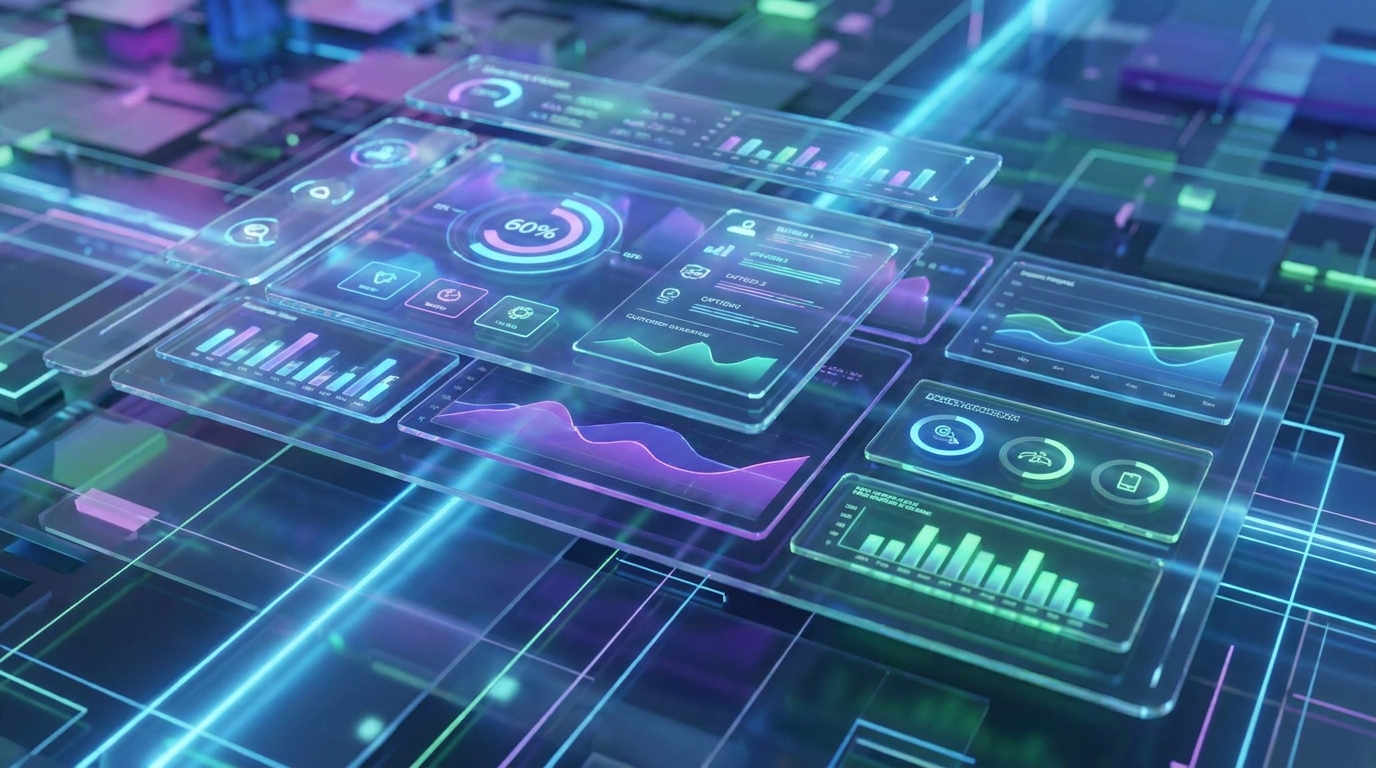
- Abstract motion backgrounds for tech or financial services
- Product or concept visualisations
- Ambient environmental videos (city, nature, workspace)
Prompting for Video
Video prompts work like image prompts but need motion context.
Weak: 'A restaurant'
Strong: 'Warm candlelit restaurant interior, camera slowly drifts through the space, close-up on steaming food, golden hour lighting, cinematic, 4K'
Add Motion Descriptors
- Camera movement: 'slow dolly in', 'gentle pan left', 'smooth aerial shot'
- Subject movement: 'rippling water', 'wind through trees', 'people walking in slow motion'
- Mood: 'dreamy', 'energetic', 'calm', 'dramatic'
First Frame Image
For more controlled results, upload a reference image as the first frame. The AI animates from your starting image, giving you control over the initial visual.
Resolution and Duration
Draftly generates videos at 1080p resolution. Most hero video loops should be 8-15 seconds — long enough to feel seamless, short enough to loop without obvious repetition.
After Generation
Download, preview in context, and test on mobile. On mobile, the video falls back to a static frame — ensure your fallback image is set in section settings.


