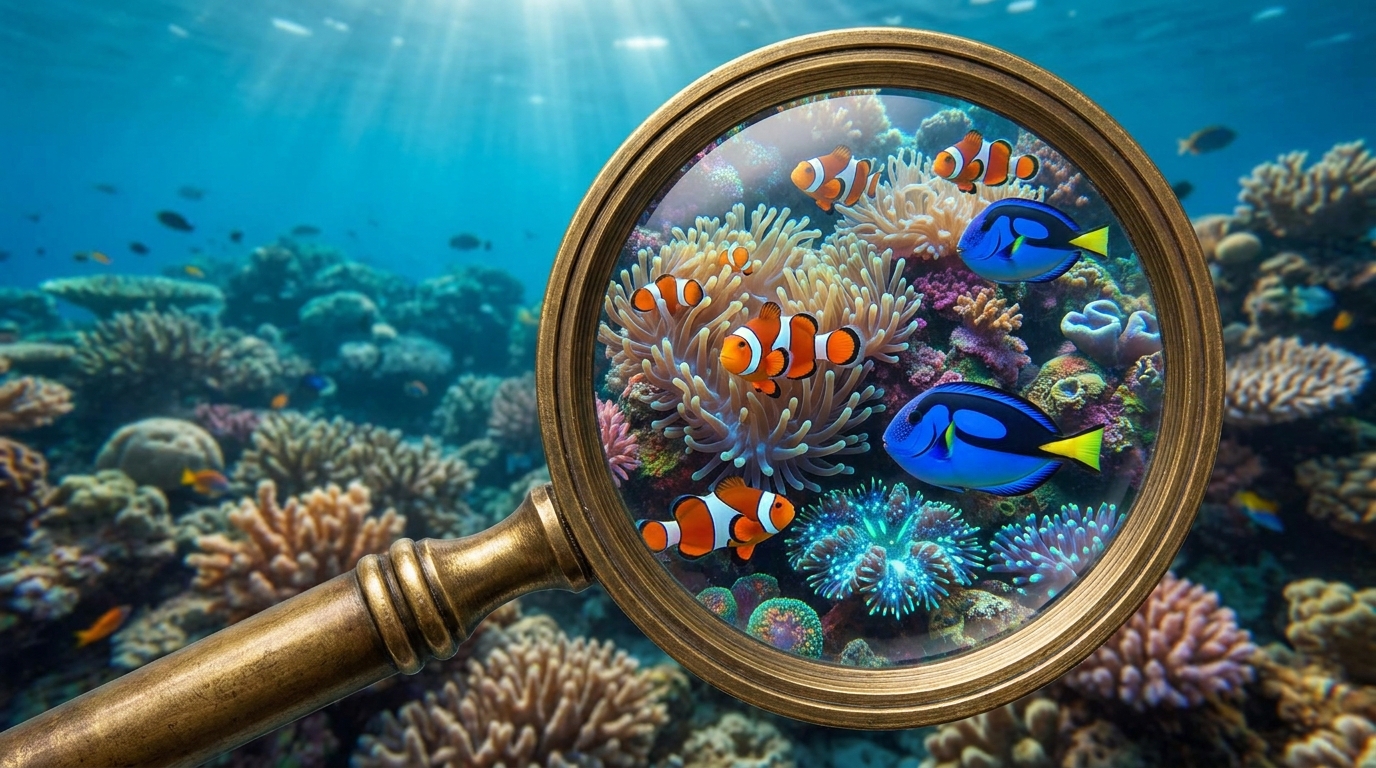
Image SEO: A Step-by-Step Guide to Alt Text, File Names & WebP
Visuals are no longer just decoration; they are critical search assets. Proper image SEO can drive a significant portion of your site's traffic, with Google Images accounting for over 22% of all web searches. This guide breaks down the three pillars of modern image optimization—alt text, file names, and WebP conversion—into a practical, step-by-step workflow that boosts rankings and improves user experience.
Optimizing your images is one of the highest-impact technical SEO tasks you can perform. It directly influences page speed, accessibility, and your ability to appear in visual search, a channel that is rapidly growing, especially in e-commerce and creative industries.
Why Image Optimization is Non-Negotiable
Search engines don't see images the way humans do. They rely on textual data and file information to understand context and relevance. Without this data, your stunning visuals are practically invisible to crawlers. A well-optimized image doesn't just rank itself; it provides contextual signals that reinforce the topic of the entire page, helping your written content rank higher too.
!image seo a stepbystep guide to alt text, file names webp, seo
Here’s what you gain from a solid image optimization strategy:
- Increased Organic Traffic: Rank in Google Images and drive targeted visitors who are searching visually.
- Improved Accessibility: Well-written alt text makes your site usable for visitors who rely on screen readers, a core component of inclusive web design.
- Faster Load Times: Optimized images are smaller, which is the single biggest factor in improving page speed. A 1-second delay can decrease conversions by up to 7%.
- Better User Engagement: Faster pages with relevant images keep users engaged, reducing bounce rates and increasing time on page—both are positive ranking signals.
Step 1: Master Descriptive File Names and Alt Text
The foundation of great image SEO happens before you even upload a file to your website. Getting the file name and alt text right provides Google with the most important clues about your image's subject matter.
Crafting SEO-Friendly File Names
Never upload an image with a generic name like `IMG_4051.jpg` or `Screenshot-2024-10-26.png`. This tells search engines nothing. Instead, create a descriptive, keyword-rich file name that accurately describes the image.
- Be Descriptive: Clearly state what is in the image. Instead of `shoes.jpg`, use `blue-suede-nike-sneakers.jpg`.
- Use Hyphens: Separate words with hyphens (-), not underscores (_). Google's official documentation confirms they process hyphens as word separators, while underscores are often ignored.
- Keep it Concise: Aim for 3-5 relevant words. Avoid stuffing keywords or creating excessively long file names.
Writing Alt Text That Ranks and Helps
Alternative text (alt text) is an HTML attribute that describes an image. Its primary purpose is for screen readers to help visually impaired users understand the content of an image. For SEO, it's a powerful signal to Google about the image's content.
What is effective alt text? It's a concise, descriptive sentence that explains what's in the image. A good rule of thumb is to imagine you're describing the image to someone over the phone. For more granular advice, see our guide on how to optimise images before uploading to Draftly.
- Specificity is Key: Don't just say `alt="dog"`. Say `alt="Golden retriever puppy playing with a red ball in a grassy field"`.
- Natural Keyword Use: If your page is about dog training, `alt="Trainer teaching a golden retriever to sit"` is a perfect, natural inclusion of your topic.
- Avoid Keyword Stuffing: Never write `alt="dog puppy retriever dog training best dog training"`. This is seen as spam and can hurt your rankings.
- Keep it Brief: While there's no hard limit, most screen readers cut off alt text after about 125 characters, so aim for that length.
Step 2: The Modern Approach to Compression & Formats
Large image files are the number one cause of slow websites. A beautiful, cinematic website is useless if it takes 10 seconds to load. The goal is to find the sweet spot between visual quality and the smallest possible file size. This is a critical part of maintaining a high-performance site, especially for visually rich 3D websites where 3D website loading speed is paramount.
What is WebP and Why Should You Use It?
WebP is a modern image format developed by Google that provides superior lossless and lossy compression for images on the web. WebP images are, on average, 25-35% smaller than their JPEG or PNG equivalents with no discernible loss in quality. This makes it the ideal format for almost all web use cases, from hero images to product photos.
A Simple Workflow for WebP Conversion
Converting your images to WebP is a straightforward process, and many modern platforms like Draftly handle this automatically upon upload. If you need to do it manually, here are the steps:
- Use an Online Converter: Tools like Squoosh (by Google) or TinyPNG are excellent for one-off conversions. Simply drag and drop your JPG or PNG, select WebP as the output, adjust the quality slider, and download the optimized file.
- Use a Desktop Application: Adobe Photoshop now supports WebP natively. You can also use free software like GIMP to export images in the WebP format.
- Automate with a Plugin: If you're using a CMS like WordPress, plugins like Imagify or Smush can automatically convert your entire media library to WebP and serve it to compatible browsers.
Step 3: Advanced Image SEO Tactics
Once you've nailed the fundamentals of file names, alt text, and formats, you can implement more advanced tactics to give your images an extra edge in search results. These techniques help search engines discover, index, and understand your visual content more deeply.
- Image Sitemaps: While Google can discover images by crawling your pages, an image sitemap explicitly tells them where all your important visual content is. This is especially useful for sites with thousands of images or those loaded via JavaScript.
- Structured Data: Use `ImageObject` schema markup to provide even more detail to Google, such as the creator, copyright information, and a description. This can help your images qualify for rich results and badges in Google Images.
- Lazy Loading: This technique defers the loading of off-screen images until the user scrolls down to them. Lazy loading is crucial for improving initial page load time and is a key factor in passing Google's Core Web Vitals in 2025.
- Responsive Images: Use the `srcset` attribute to serve different image sizes for different screen resolutions. This ensures mobile users download a smaller, faster image instead of a huge desktop-sized one.
Frequently Asked Questions about Image SEO
What is the most important part of image SEO?
While all elements work together, descriptive alt text is arguably the most critical. It serves the dual purpose of improving accessibility for users with screen readers and providing powerful contextual information to search engines, directly impacting how an image is understood and ranked.Does image SEO affect my main website ranking?
Yes, absolutely. Optimized images contribute to better user experience signals (like lower bounce rates), faster page load speeds (a confirmed ranking factor), and provide contextual relevance that strengthens the overall SEO of the page. It's a holistic part of on-page SEO.Is it okay to use AI-generated images for SEO?
Yes, it's perfectly fine to use AI-generated images. Google treats them like any other image. The key is to ensure they are high-quality, relevant to your content, and properly optimized with descriptive file names and alt text, just as you would with a photograph.How many keywords should I use in alt text?
Focus on description, not keyword density. You should naturally include a primary keyword or a close semantic variant once, if it fits the image's description. The goal is to be helpful and accurate. Stuffing multiple keywords is counterproductive and can be flagged as spam.---
Ready to build a visually stunning website where every image is perfectly optimized from the start? Turn a single prompt into a cinematic, scroll-driven website with Draftly today.


